01
Multi-printer by default
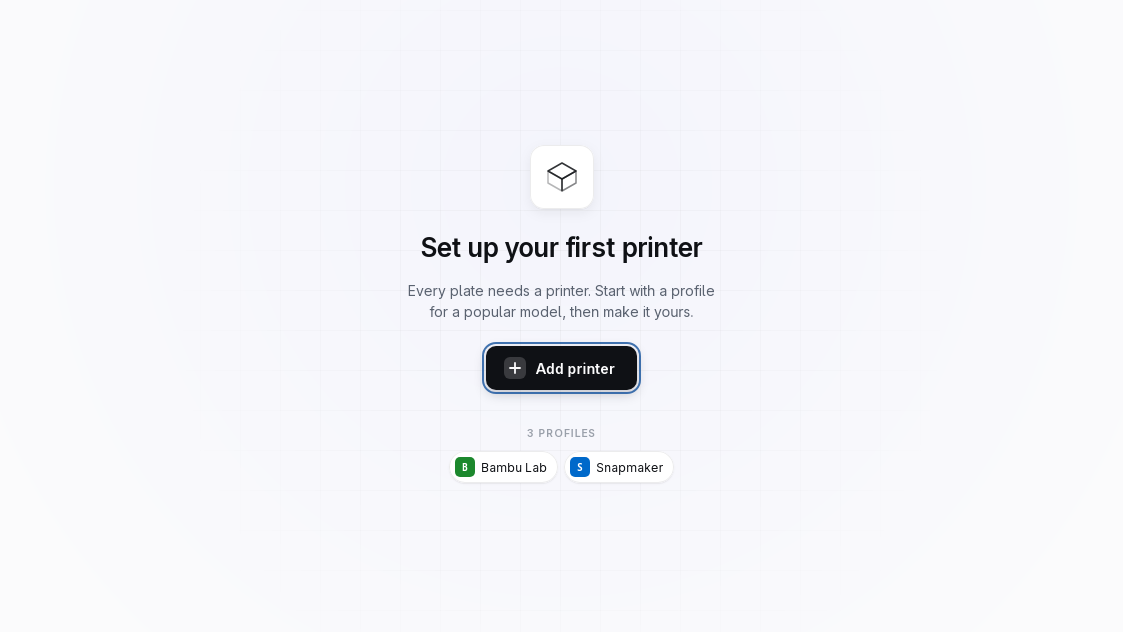
No "active printer" modal state to fight. A printer is a property of a
plate. Put plate 1 on your A1 mini and plates 2–3
on your U1 in one project, and slice each for its own machine — no
duplicate files, no re-selecting filament, no lost per-object tweaks.
02
Show the source
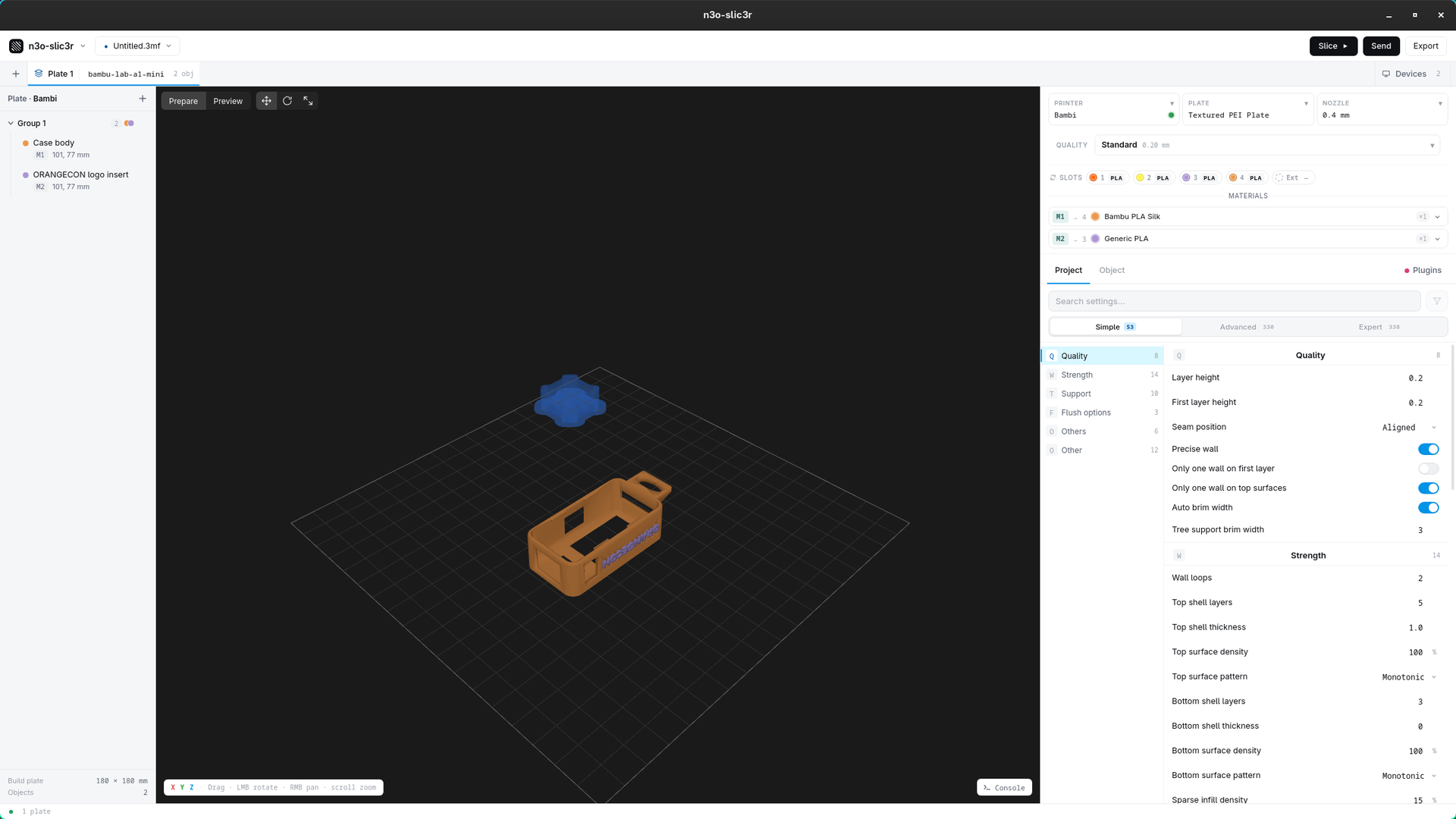
When a value differs from default, the UI tells you exactly which layer
of the cascade set it — printer → plate → nozzle →
filament → user → project → object — highlighted in a hover
ladder, with one-click reset to the inherited value. No more guessing
whether your override is fighting a printer-specific tuning.
03
Your slots are the truth
A model carries abstract material indices, not a baked-in filament.
What each one prints as is whatever's loaded in the slot you bind it
to. So there's no "this model wants PETG" nagging when your loadout
disagrees — you control what's in each slot, and the binding
routes to it. The existing-slicer misfeature, deliberately removed.
04
Standalone & private
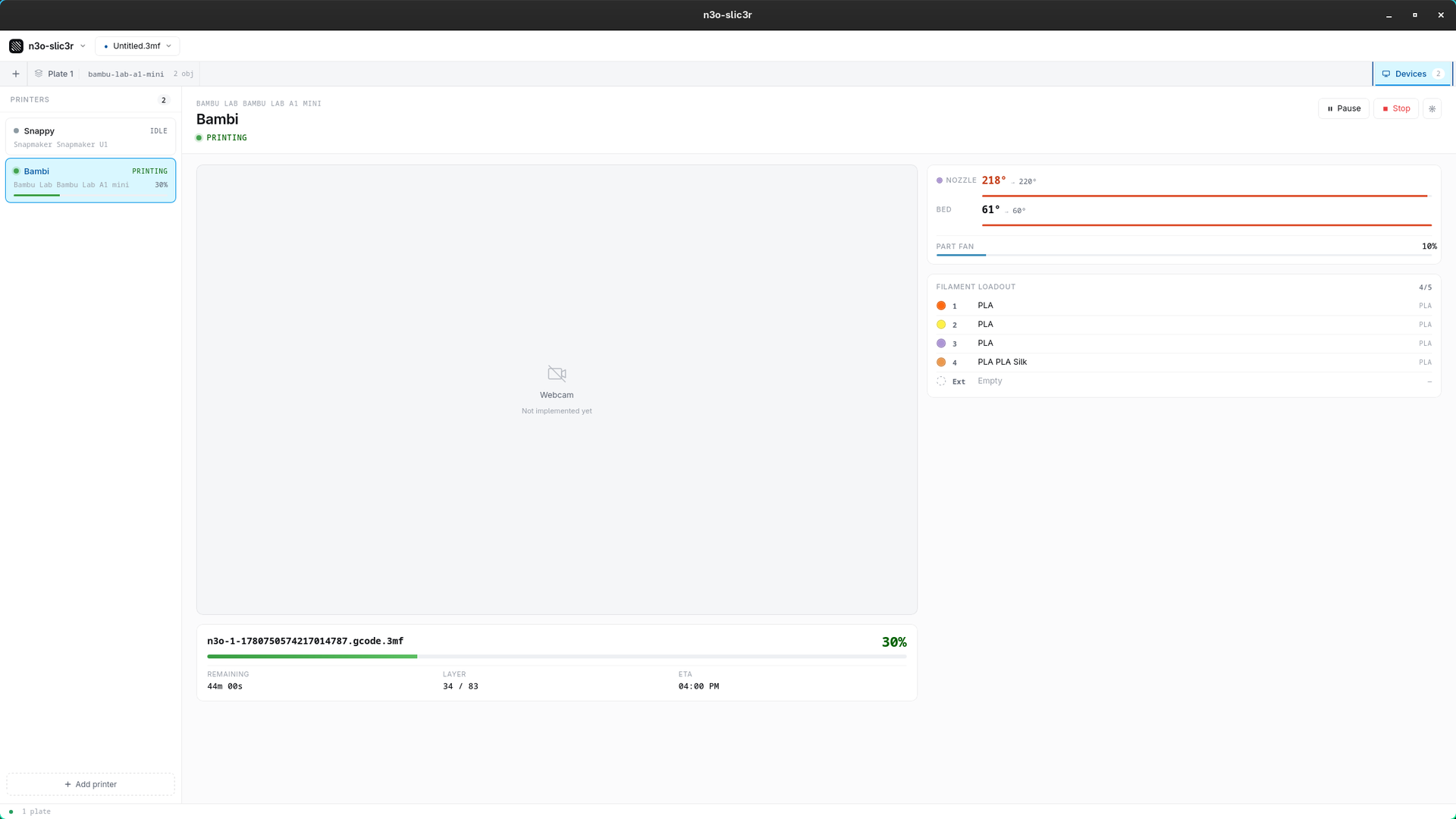
Every step happens here: load → slice → preview G-code → send →
monitor. You never need OrcaSlicer or any other tool installed. And
there's no telemetry, no analytics, no accounts, and no network
calls except to the printers you configure. Licensed
AGPL-3.0-or-later.
05
Programmable G-code
Sandboxed Lua plugins transform G-code through a typed model
(Move / LayerChange / ToolChange…), scoped per printer. The bundled
platecycler plugin auto-ejects a finished
plate on an A1 mini + PlateCycler so the next print just runs.
And the table stakes, done right
- In-app G-code preview — layer slider, feature/speed/flow/tool color modes, hover inspection, per-layer & full-job stats.
- Slice & send over LAN — Bambu A1 mini (MQTT, access code, no cloud) and Snapmaker U1 (Moonraker HTTP).
- Live filament sync — read each printer's loadout; bind per (plate, printer).
- Autosave & recovery — your work survives a crash.